01
One shared inquiry list
We identify the calls, messages, and forms your business needs to capture, then connect the supported channels to a shared record with the request and its source.
Kova OS connects supported business tools so agreed information can move between them instead of being copied by hand. For inquiries and quotes, that can mean one shared list, a person responsible for each reply, and a draft for the team to review. We agree which steps are automatic and which need approval.
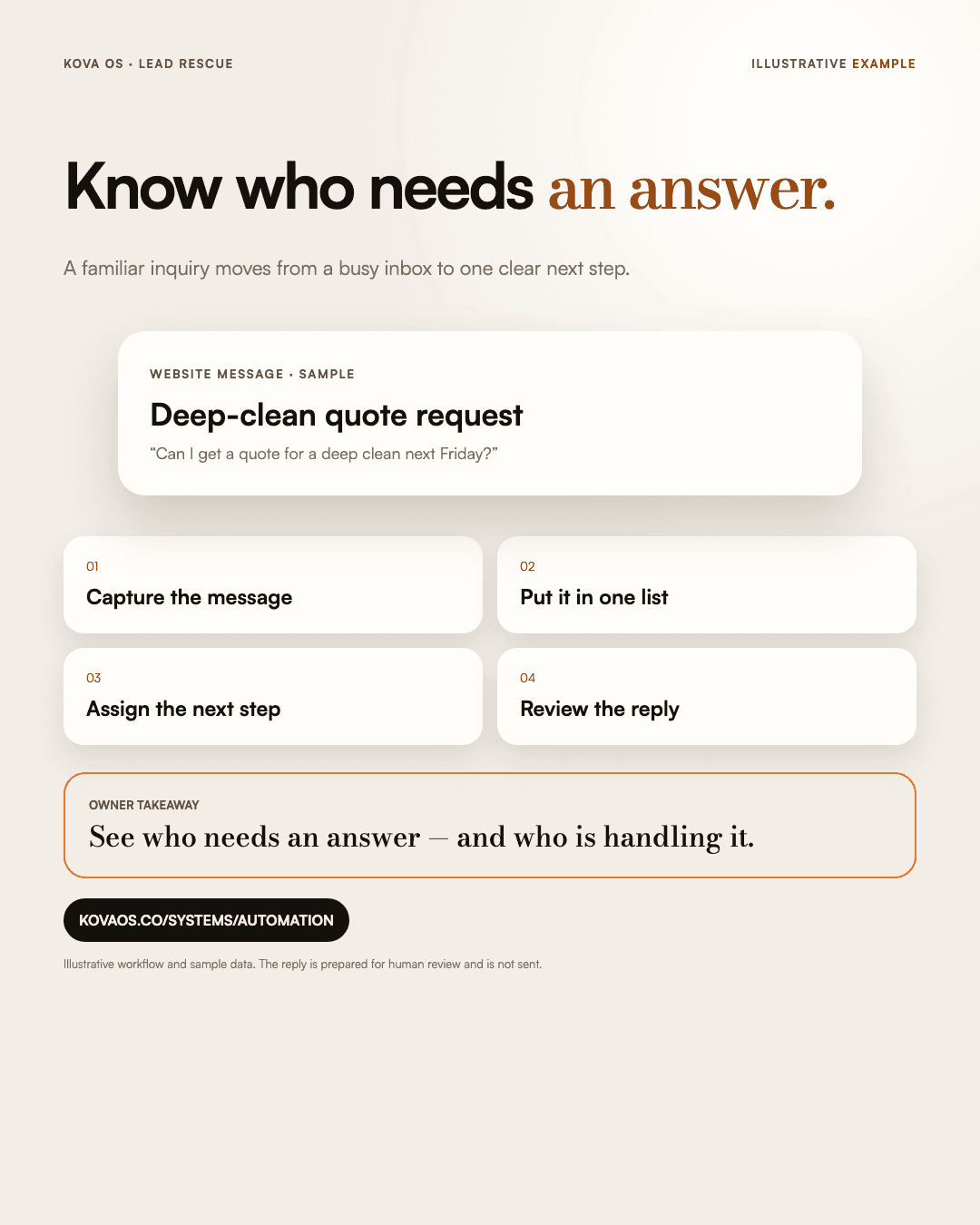
We identify the calls, messages, and forms your business needs to capture, then connect the supported channels to a shared record with the request and its source.
A draft brings together the request and the information needed to answer it. A person reviews what will be sent; preparing a reply does not send it.
Each request has someone responsible for it and an agreed follow-up time. We define reminders and escalation with your team, so waiting work stays visible.
We check which connections your existing tools support and agree what information moves between them. The handoff explains how to use and maintain those connections.
We check the connections first. The agreed scope identifies which channels are included, what information moves between them, and which actions require a person’s review.
Bring one inquiry with private details removed: where it arrived, who should have replied, and what happened next. Include the names of the tools involved so we can check their connection options.
The build covers the agreed channels, information transfers, reminders and review rules. It is not a promise to capture every message, send every reply automatically or recover a guaranteed amount of revenue.
What you receive: the custom connections, workflow rules and maintenance notes in your scope. We define what information moves, what triggers a step, what needs review and how the connections are maintained. For a different repeated task, tell Al which tools you use and what you are copying or checking by hand.
Bring one example: where the inquiry arrived, who was meant to reply, and what happened next. We can discuss a useful starting point before you decide what to build.
If you want a written recommendation first, the optional $1,500 Build Plan sets out what to connect, what to fix first, and what can wait. If you choose Kova OS for Phase 1—the first phase of the build—the full $1,500 plan fee comes off your first project milestone invoice (the bill for an agreed stage of work).
Describe the process without sending passwords, access keys or confidential customer records.