Show us one process in your business that drives you crazy.
Missed follow-ups. Information nobody can find. The same details entered in five places. Kova OS designs and builds websites, apps and customer portals. We also connect business tools, build dashboards and set up digital assistants around the work you need help with.
WORK DIRECTLY WITH ALSCOPE AGREED BEFORE THE BUILD
01 / What we build
Websites, apps and business tools. Built around your work.
Need a website, an app, connected tools or a clearer view of the work? Start with the service that fits—or tell Al what you need to make easier. Virgil digital assistant setup is explained below.
We design and build the pages, content and inquiry or booking path in your agreed scope, so visitors can understand your offer and take the next step.
Your offerYour proofTheir next stepA simple picture of the work.
02
Apps & customer portals
An app for a task people need to finish.
We build custom apps and customer portals for agreed tasks: checking progress, sharing documents, making a booking or recording work. Start with a useful first version, not every feature at once.
One ideaA useful first versionSomething people can tryA simple picture of the work.
03
Workflow automation & follow-up
Connect the tools. Keep the next step clear.
We connect supported tools so agreed information can move between them, and build follow-up workflows with a named owner, reminders and replies prepared for review.
An inquiryA person responsibleA clear next stepA simple picture of the work.
04
Team dashboards
See the work without opening every tool.
We build a shared view of agreed tasks, project updates or business numbers, with clear sources and update times. Ongoing support is scoped separately.
Agreed informationOne shared viewWhat needs attentionA simple picture of the work.
VIRGIL / YOUR DIGITAL BUSINESS ASSISTANT
Your own Virgil. Built around your working day.
Your notes, open questions, and next steps shouldn’t be another job to manage. Kova sets up a business assistant around the information you approve and the work you want help with—from preparing for a client call to picking up a project where you left off.
Same client call. A clearer starting point.
Before
You’re searching through notes, checking the proposal, and trying to remember what you promised.
With Virgil
Ask for a brief from your approved records: where the project stands, what’s still open, and a follow-up draft for you to check.
Example workflow.
Bring the context together
Organize the notes and documents you choose into a useful summary, with details you can check against the source.
Prepare the decision
Research a question, compare options, or draft a message. Get something concrete to review—not another blank page.
Keep the next step in view
Turn project notes into an action list, with responsibilities and dates for you to confirm.
Choose one useful task. We agree the information, supported tools, permissions, and review steps, then configure and test the setup with you.
Want Kova to stay involved? We can review the setup and make agreed updates as your needs change. Ongoing scope and cost are agreed separately.
You do not need to know what software you want. Start with the work that is frustrating you.
You do not need to know what software you want. Start with the work that is frustrating you.
01 / Show us the problem.
Show us the problem.
Tell Al what happened last time and where the work got stuck.
An inquiry arrives. Nobody knows who should reply.
02 / Agree on the first useful step.
Agree on the first useful step.
We check what your current tools can do and agree on a useful starting point. If you want a written recommendation first, the optional $1,500 Build Plan sets out the proposed scope and cost.
Agree who owns the reply and what needs their review.
03 / Build and configure the agreed work.
Build and configure the agreed work.
Kova designs, builds or configures the agreed website, app or business tool. You review progress against the scope, cost, testing and handoff agreed before work starts.
The inquiry and its next step appear in one place.
04 / Test it together. Hand it over clearly.
Test it together. Hand it over clearly.
Follow the agreed task from start to finish with its users, then receive the agreed work and operating notes. Identify account responsibilities, third-party costs and any separate ongoing support.
Your team can find what needs attention.
Illustrative workflow · No customer results claimed
Free tools · No account
Start with the problem. Leave with a clearer next step.
Answer a few questions to sort out a business problem, plan an app’s first version, or review how clearly your website explains the offer. These tools use the information you provide; they do not verify your business or promise results.
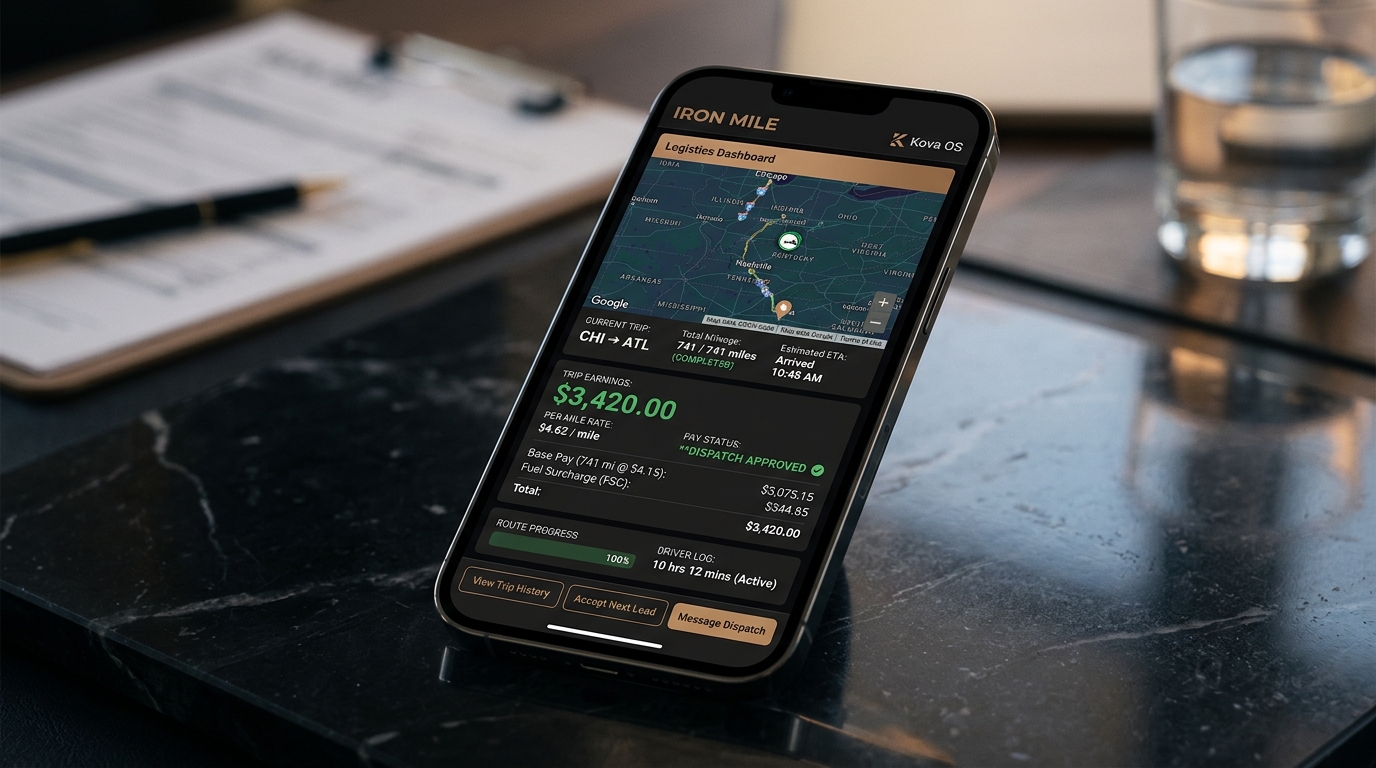
Project artwork shows the visual direction, not a live customer workflow or measured result.
Questions before you start
What we do. What you get. How to start.
What does Kova OS actually do?
Kova OS designs, builds and sets up websites, apps and business tools. Here is what you can hire us for:
Business websites: pages that explain your offer and give visitors a way to inquire or book.
Custom apps and customer portals: a working app for an agreed task, such as checking progress, sharing documents or recording work.
Workflow automation and follow-up: a setup that moves agreed information between supported tools, reminds the right person and prepares replies for review.
Team dashboards: a shared view of agreed tasks, updates or business numbers, showing where the information came from and when it was updated.
Virgil digital assistant setup: an assistant configured around approved information to help prepare summaries, research, drafts and next steps for review.
We agree the scope, cost, testing and handoff before work begins. Tell Al what you need; you do not have to choose the software first. Kova Shield is our separate email-authentication service.
Do I need to know what software I want?
No. Bring one example: what you are trying to do, where it gets stuck, and how you handle it now. For a new idea, tell Al who would use it and what they need to do. We check what your existing tools can support before recommending a new build. Email Al about the problem or idea.
What is Virgil, and what does Kova set up?
Virgil is a digital business assistant configured around the information and tools you approve. Kova helps choose a useful task, agrees the access and review rules, then configures and tests the setup with you. You might use it to prepare a client-call brief, research a question, draft a message or turn project notes into an action list. Review the output before relying on it or sharing it. Any ongoing management has a separately agreed scope and cost. See what Virgil setup includes.
What is the Build Plan?
An optional $1,500 written plan: a review of the problem, a map of the work, a proposed build scope and timeline, and a list of what can wait. If you choose Kova OS for Phase 1—the first phase of the build—the full $1,500 plan fee comes off your first project milestone invoice (the bill for an agreed stage of work). You can contact Al without buying a plan. See the Build Plan page for the offer and the published terms.
Can you build my website or app idea?
Yes. For a website, we agree which pages you need, what they should explain and how visitors should contact or book with you. For an app or customer portal, we agree who will use it and the first task they should be able to finish. The scope sets the included features, connections, cost, tests and handoff—not every future idea at once. Tell Al about your website or app.
Do I own what you build?
The handoff identifies the custom code, design assets, data and operating notes included in your scope. Ownership and account responsibilities need to be clear in the agreement. Third-party services and their ongoing costs are identified, and support is agreed separately.
Do I need to send passwords upfront?
No. Describe the task and name the tools involved, but do not send passwords, API keys or confidential customer records in your first inquiry. If access is needed for a build, we agree on the scope and arrange it securely.
Do you only work with Chicago businesses?
No. Kova OS is founder-led and based in Chicago, working with Chicagoland businesses and remote clients. You work directly with Al to agree the project, review progress and define the handoff. Email Al about your project.
04 / Start with one problem
What would you like to make easier?
Send Al one task that gets stuck and how you handle it now. For an app idea, name its user and first useful task.
Want a written recommendation first? The optional Build Plan is $1,500. If you choose Kova OS for Phase 1—the first phase of the build—the full $1,500 plan fee comes off your first project milestone invoice (the bill for an agreed stage of work). See the optional $1,500 Build Plan ↗